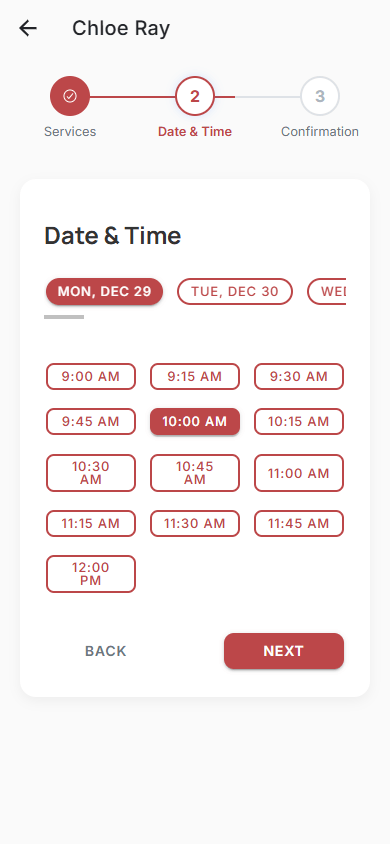
Your Personal Booking Website
Get a professional, mobile-friendly website automatically created for you. Share your link and let clients book appointments 24/7 without disturbing you.

Effortless Setup & Sharing
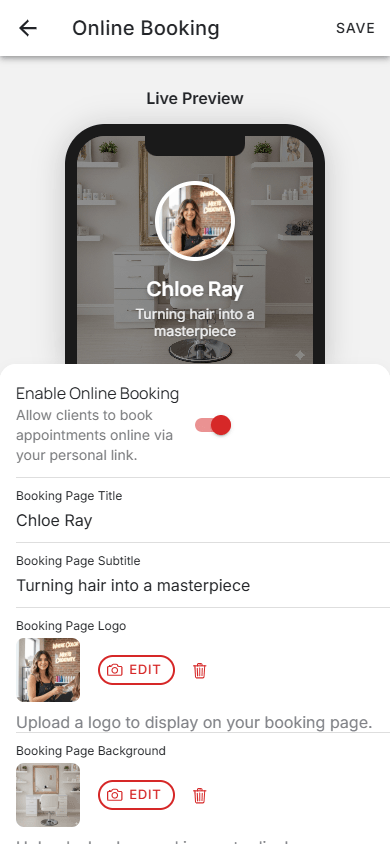
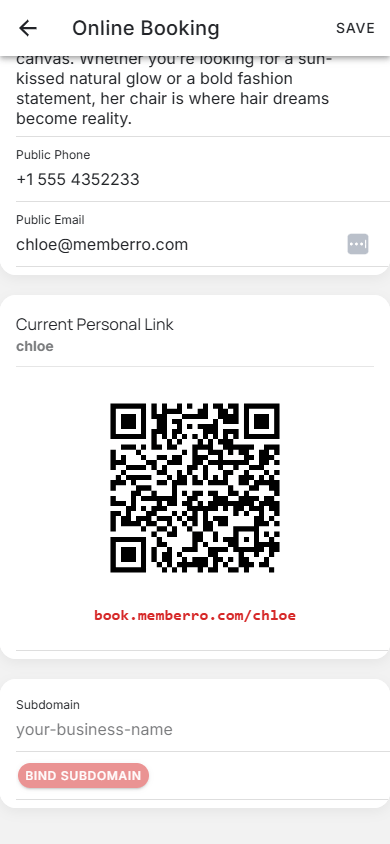
Enable online booking with a single toggle. Customize your page with your photo and info, then share your unique link or QR code to start accepting appointments.
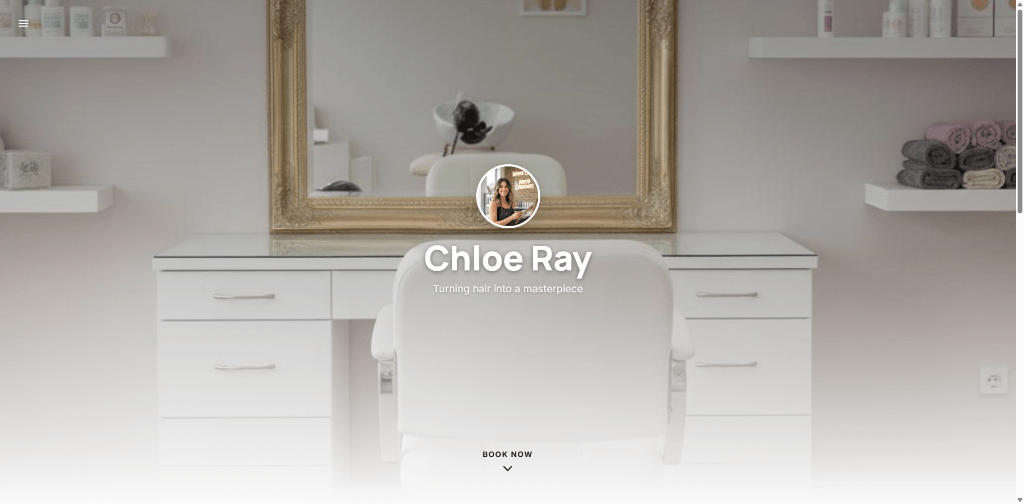
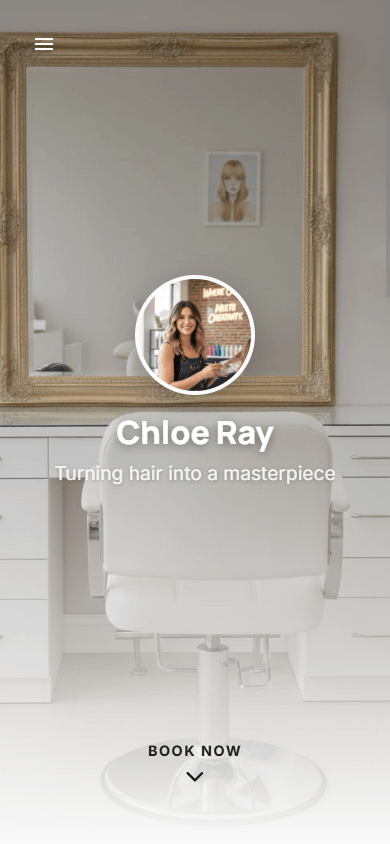
Stunning Personal App & Website
Your booking domain looks great on any device. It's fully responsive, showcasing your brand professionally whether clients visit from a phone, tablet, or laptop.

Memberro Online App for Clients
Give your clients a premium experience with the dedicated Memberro Online App. They can book appointments, manage their visits, and receive automatic push notifications directly on their smartphones.
Smart Cancellation Policy
Protect your time with a customizable cancellation cutoff. Set the minimum notice period required for cancellations — from 30 minutes to 48 hours — so you never lose a last-minute slot without compensation.
- Configurable from 30 minutes to 48 hours
- Automatically enforced on all booking requests
- Reduces last-minute cancellations and no-shows
Immersive Video Background
Transform your booking page with a captivating video background. Upload an MP4 video that auto-plays behind your content, creating a premium, cinematic experience that instantly impresses clients.
- Full-screen auto-playing background video
- Professional cinematic look that builds trust
- Works seamlessly with all layout templates
Visual Portfolio Gallery
Showcase your best work with a built-in image gallery. Upload photos of your work, drag-and-drop to reorder them, and let potential clients see your expertise before they book.
- Upload and manage multiple portfolio images
- Drag-and-drop reordering for perfect arrangement
- Displayed prominently on your booking page
Compact Appointment View
On busy days with existing appointments, your clients see only time slots adjacent to those bookings — right before and right after each appointment. On free days, all available slots are shown as usual. Less clutter, more clarity.
- Declutters busy days by hiding non-adjacent time slots
- Shows all free slots on days without appointments
- Helps clients quickly find available times around your existing schedule
24
Seamless Booking Process
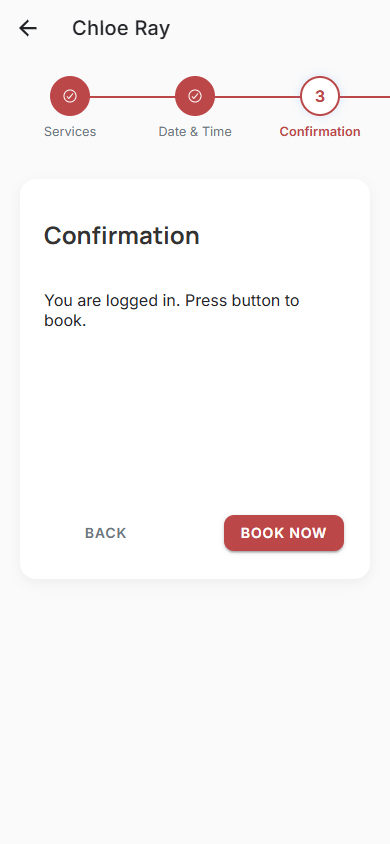
A smooth, step-by-step experience for your clients. They select services, pick a time, and confirm—all in less than a minute.