Two-Way Google Calendar Sync
Seamlessly connect your Memberro schedule with your personal Google Calendar. Never double-book yourself again.
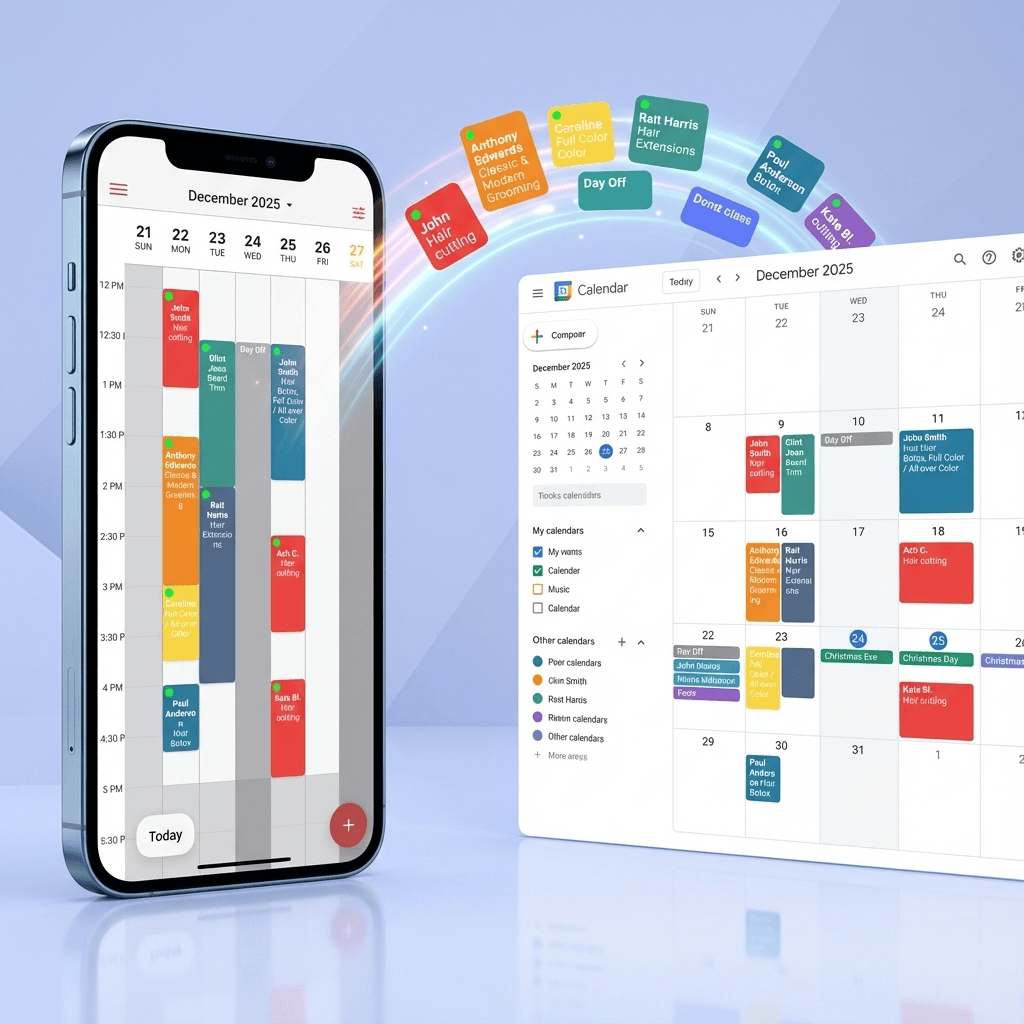

Your Entire Schedule in One Place
Forget the hassle of switching between apps. Memberro seamlessly integrates your Google Calendar events directly into your work dashboard, giving you a complete overview of your day.
See your personal appointments alongside your client bookings instantly. With everything in a single view, you can manage your time effortlessly and avoid scheduling conflicts without ever leaving the app.
Import & Export Google Contacts
Seamlessly manage your client contacts by syncing with Google Contacts. Import existing contacts or export your client database — all with one tap.
Import from Google Contacts
Easily import your existing Google Contacts directly into Memberro. Link them to client profiles and keep your database up to date without manual data entry.
- One-click import from your Google Contacts
- Auto-link contacts to existing client profiles
- Bulk import with smart duplicate detection
Export to Google Contacts
Export your Memberro client database to Google Contacts with a single tap. Keep your contacts synchronized across all your devices and platforms.
- Instant export with one tap
- Keep your client list backed up in Google
- All contact details preserved (name, phone, email)

Easy One-Tap Setup
No complicated configuration needed. Just go to Settings, find Integrations, and tap 'Import Google Calendar' to connect your account instantly.